


In 2026, the global IPTV market is valued at $109 billion and is already on its way to $330 billion by 2034 — growing at 17.1% per year (Fortune Business Insights, IPTV Market Report, 2026). More than 250 million subscribers worldwide have ditched their satellite dishes and cable boxes for IPTV, and that number keeps climbing every quarter.
Yet most first-timers still can’t answer the basic question: what exactly is IPTV, and how does a TV channel travel through an internet cable? This guide covers everything — the technology behind the stream, what equipment you actually need, how to pick a stable provider, and the legal lines you need to understand before you subscribe.
By the time you finish reading, you’ll know enough to set up IPTV on any device and make a smart buying decision.
⚡ Key Takeaways
- IPTV delivers live TV, catch-up programming, and on-demand video over your broadband connection — no satellite dish or coaxial cable needed.
- In 2026, over 250 million people globally subscribe to IPTV, with the market growing at 17.1% per year (Fortune Business Insights, 2026).
- All you need to start is a 10 Mbps internet connection and a compatible device: Smart TV, Fire TV Stick, Android box, or smartphone.
- IPTV ranges from fully legal licensed services (YouTube TV, Hulu Live) to unlicensed third-party subscriptions — knowing the difference protects you.
- Setup takes under 15 minutes. The hardest part is choosing a reliable provider.
What Is IPTV?
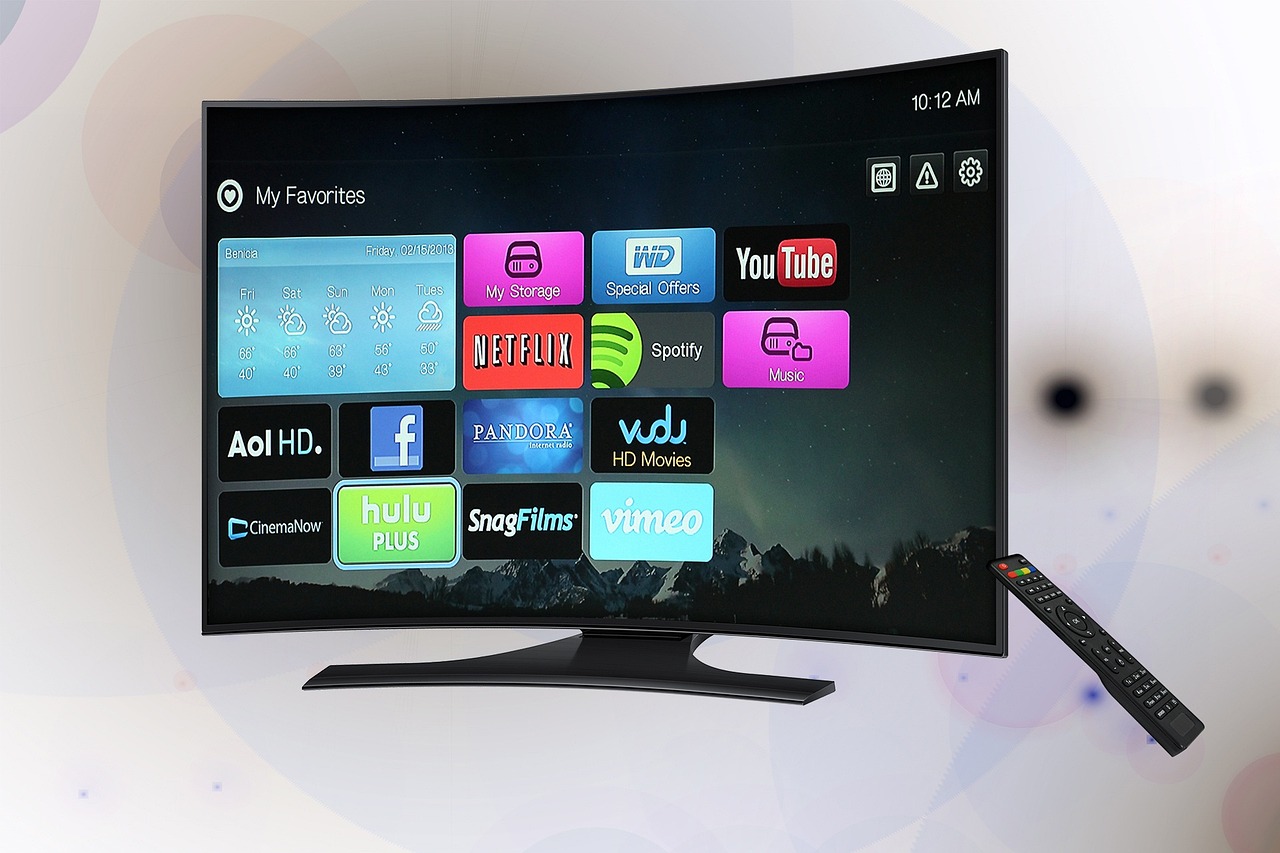
IPTV stands for Internet Protocol Television. It delivers television content — live channels, catch-up programming, and video on demand — over a broadband internet connection rather than through a coaxial cable or satellite dish. The “IP” is the same internet protocol your phone uses when it sends a WhatsApp message. Your TV channel simply travels as data packets across the same network.
Here’s the simplest way to think about it: traditional broadcast TV works like a radio station. One signal goes out, every TV in range receives it, and you have no control over timing or content. IPTV works more like a phone call. A server sends your specific channel directly to your device, on demand, the moment you ask for it.
That direct-to-device model changes everything. You’re not locked to a broadcast schedule (unless you’re watching live). You can pause, rewind, and record. You can watch on a phone in a hotel room or a Smart TV in your living room on the same subscription. And because delivery happens over shared internet infrastructure rather than dedicated cable lines, IPTV providers can offer thousands of channels at a fraction of the cost of cable.
How Does IPTV Work? The Technology Behind the Stream
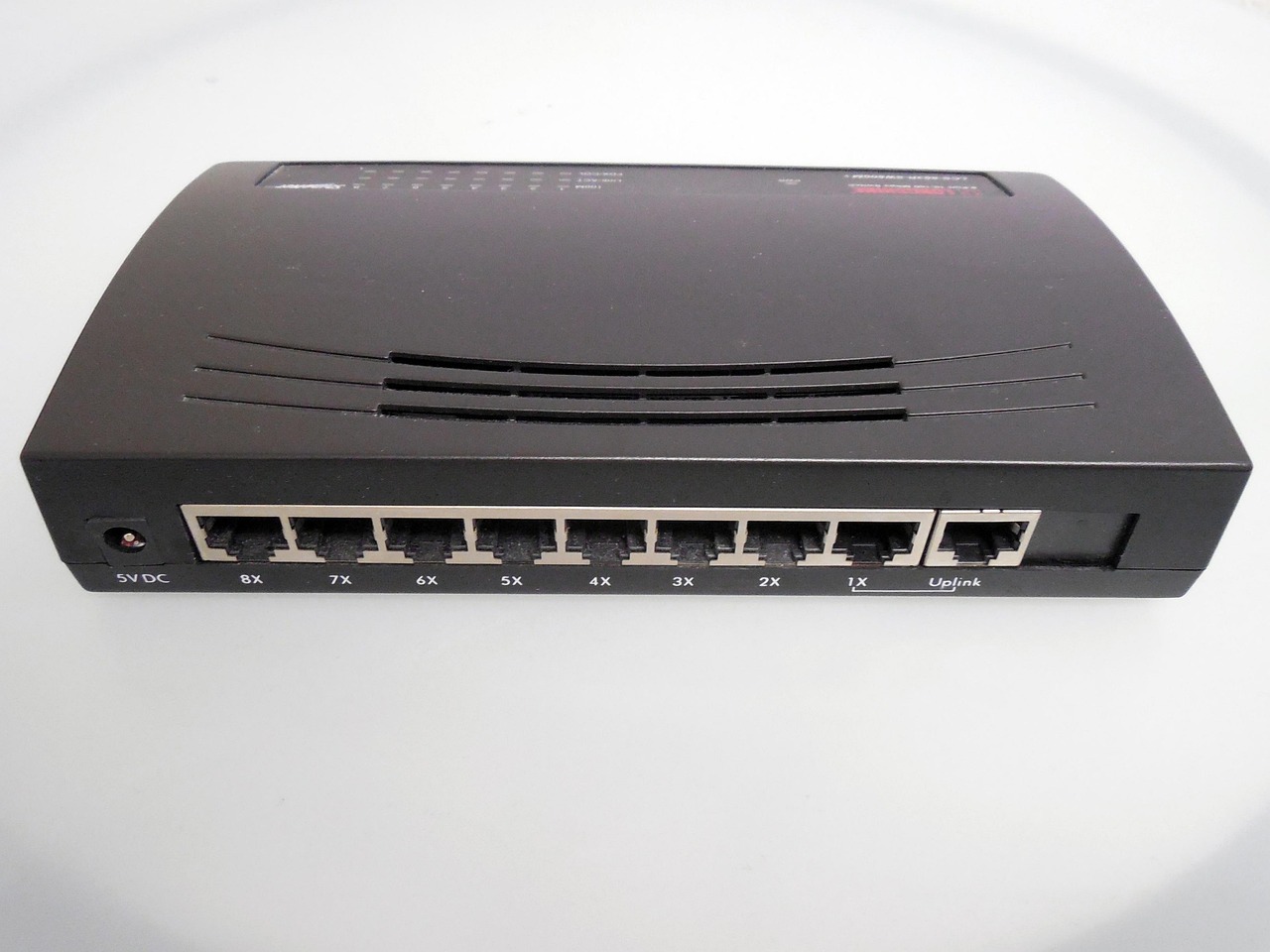
In 2026, the dominant IPTV delivery protocol is HLS (HTTP Live Streaming), developed by Apple and now adopted by virtually every major streaming platform worldwide (IPTVBasics, IPTV Streaming Protocols Guide, 2026). Understanding how HLS works explains why IPTV occasionally buffers — and what to do about it.
The journey from broadcaster to your screen happens in four steps:
- Encoding: A broadcast studio captures the live video feed and compresses it using H.264 or H.265 codec into a continuous digital stream.
- Segmenting: The HLS server splits that stream into tiny 2–10 second video segments and generates an M3U8 playlist file — a simple text index of all available segments at multiple quality levels.
- CDN delivery: A Content Delivery Network (CDN) caches those segments on servers geographically close to you, cutting the distance data travels to a minimum.
- Adaptive playback: Your IPTV player reads the M3U8 file, measures your current bandwidth, and automatically selects the highest quality your connection can handle — switching up or down in real time as conditions change. This is called Adaptive Bitrate Streaming (ABR).
That M3U8 playlist is also what your IPTV provider sends you at sign-up. You paste it into an app like TiviMate or IPTV Smarters, and the app handles all the channel management, switching, and EPG (Electronic Programme Guide) display automatically.
One practical implication: because HLS streams over standard HTTPS port 443, it passes through almost every home router and corporate firewall without issues. Older protocols like RTSP required specific port configurations that caused headaches. HLS doesn’t.
The rapid market expansion above reflects a simple economic reality: delivering TV over shared internet infrastructure costs far less than maintaining satellite transponders or coaxial cable networks. Those infrastructure savings get passed on to subscribers — which is why a quality IPTV subscription typically costs $10–$20/month versus $80–$150/month for a cable bundle.
What Are the Three Types of IPTV Service?
Every IPTV provider packages content into one or more of three delivery modes. Knowing which mode you’re using helps you understand why some channels behave differently from others:
Live IPTV (Real-Time Streaming)
This is the closest equivalent to traditional television. You watch a broadcast as it happens — news, live sport, a talk show airing on a schedule. Live streams require the highest and most consistent internet bandwidth because there’s no pre-cached buffer to absorb packet loss. Any interruption shows up immediately as a freeze or pixelated frame. A 15 Mbps minimum is recommended for live HD streams.
Time-Shifted IPTV (Catch-Up TV)
The provider stores recordings of live broadcasts for 7–30 days. You can watch yesterday’s Champions League match or last week’s TV series episode as if it were a VOD file. Technically, the server is streaming a pre-recorded file, meaning it’s lower-stress on your connection than a true live stream. Catch-up is available on most mid-range and premium plans.
Video on Demand (VOD)
A searchable library of movies, series, and documentaries you can start at any time. VOD content is fully pre-encoded and cached across multiple CDN nodes, making it the most reliable of the three modes. Most premium IPTV subscriptions in 2026 include 40,000–100,000 VOD titles alongside the live channel lineup.
Most quality services offer all three modes under one subscription and one M3U8 playlist. Your IPTV app separates them automatically into Live, Catch-Up, and VOD sections.
How Does IPTV Compare to Cable and Satellite TV?
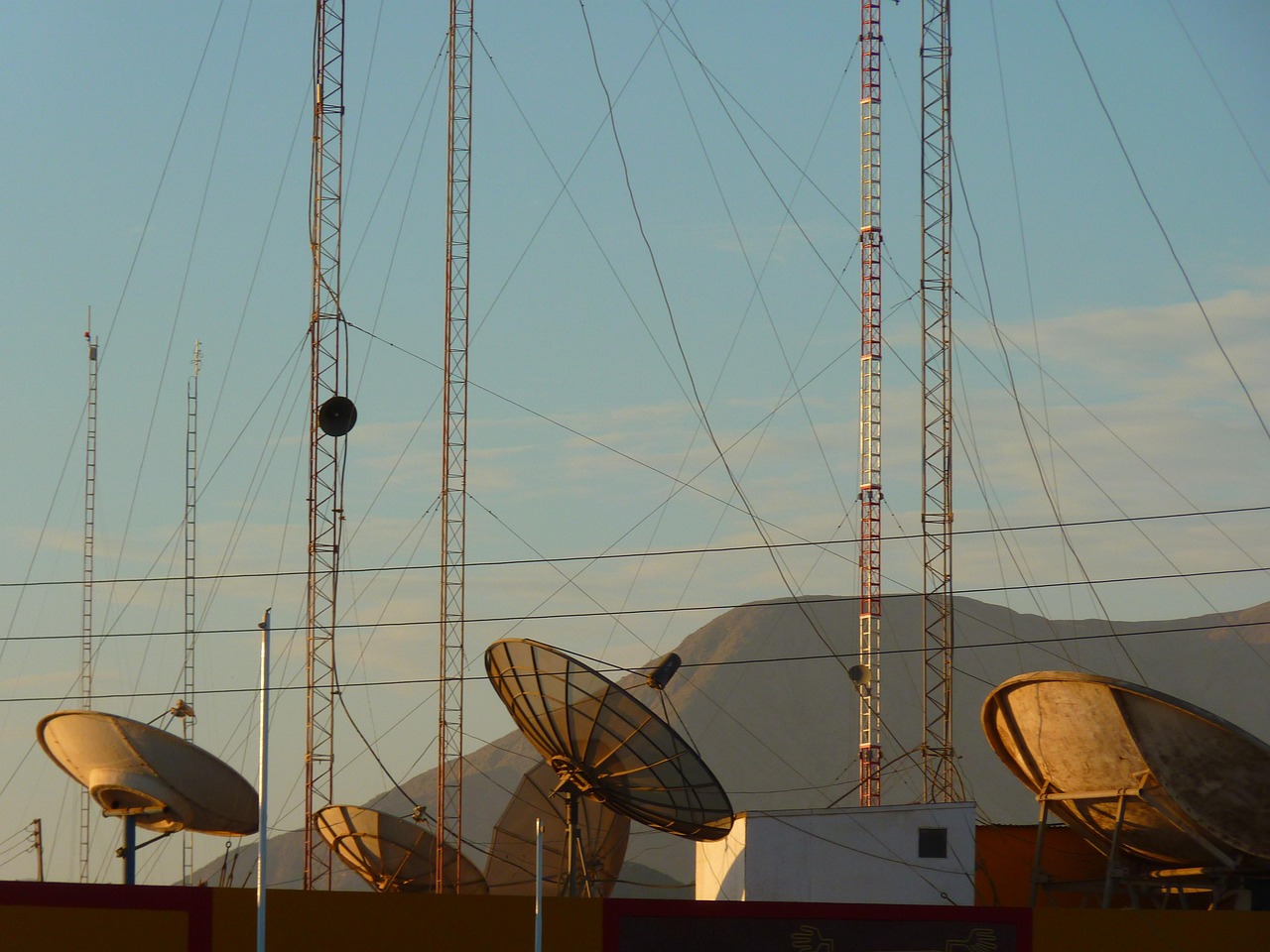
The short version: IPTV wins on price and flexibility; cable wins on reliability during extreme weather; satellite covers areas with no broadband. Here’s a quick comparison across the four things subscribers actually care about:
| Factor | IPTV | Cable | Satellite |
|---|---|---|---|
| Monthly cost | $10–$20 | $80–$150 | $70–$130 |
| Channel count | 5,000–30,000+ | 100–500 | 150–350 |
| Contract required? | No (monthly) | Often 1–2 yr | Often 2 yr |
| Watch on mobile? | Yes (anywhere) | Limited | No |
| Weather outages | Rare | Occasional | Common |
For the full cost breakdown, reliability data, and a category-by-category verdict, see our detailed IPTV vs. cable vs. satellite comparison. It covers the numbers most provider sites don’t want you to see.
What Equipment Do You Need to Watch IPTV?
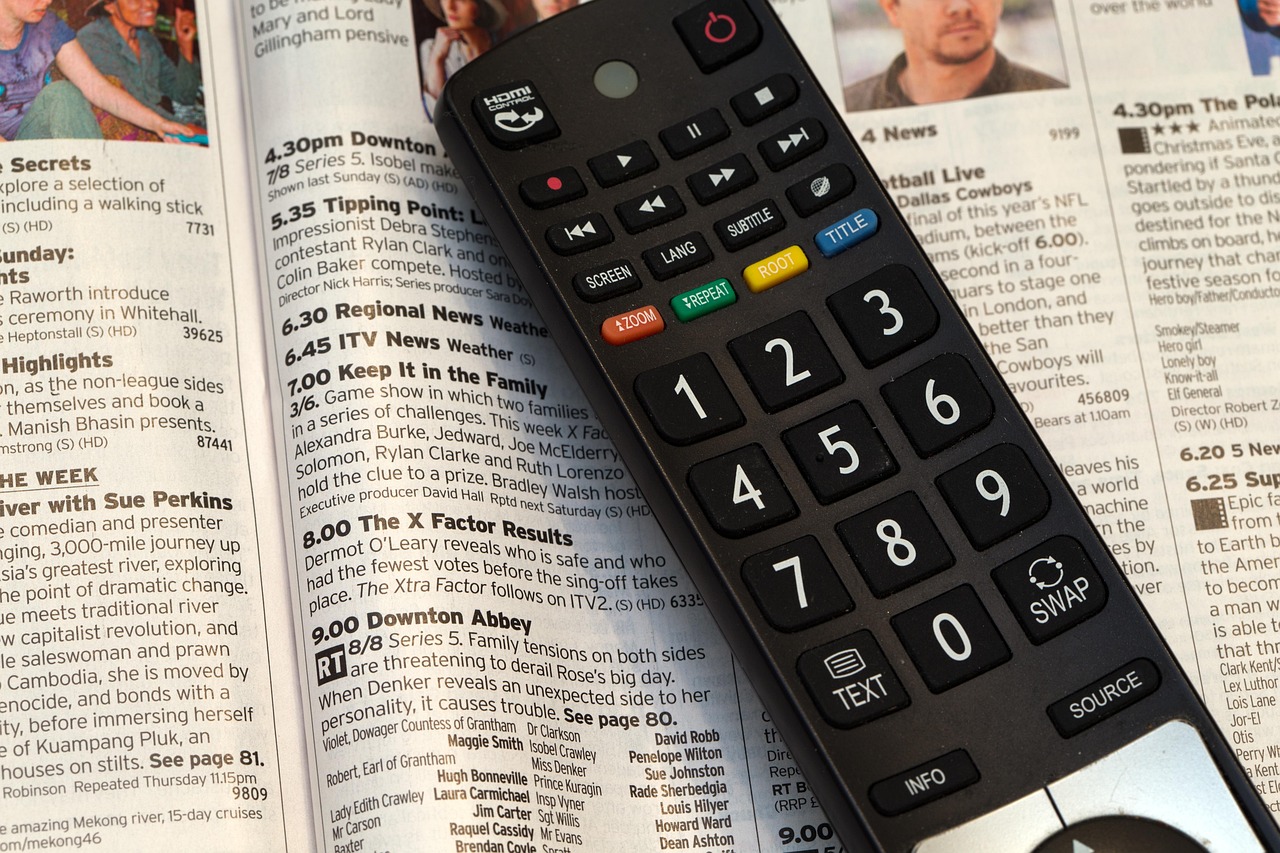
IPTV setup is simpler than most people expect. You need three things: a fast enough internet connection, a compatible playback device, and an IPTV player app. Here’s what each one requires:
Internet Connection — Speed Requirements
Your broadband connection is the single biggest factor in IPTV picture quality and stability. These are the minimum speeds you need per simultaneous stream:
If you’re on Wi-Fi, a 5 GHz connection is strongly preferred over 2.4 GHz. Or better yet, use a wired ethernet cable from your router to your device. This single change eliminates most IPTV buffering issues people blame on their provider. Our complete buffering fixes guide walks through every other cause if you’re still having issues after switching to wired.
Compatible Devices
IPTV runs on almost any screen. The most common setups in 2026:
- Amazon Fire TV Stick — the most popular IPTV device worldwide. Install IPTV Smarters Pro or TiviMate from the app store. See our step-by-step Firestick setup guide for the full walkthrough.
- Samsung, LG, or Android Smart TV — most 2018+ Smart TVs have built-in app stores. Our Smart TV IPTV setup guide covers all three brands.
- MAG Set-Top Box — a dedicated IPTV hardware box with a simple TV-friendly interface; no Android configuration needed.
- Smartphone or tablet — iOS and Android both support all major IPTV apps. Ideal for travel.
- Windows or Mac PC — use VLC Media Player (free) or the desktop version of IPTV Smarters.
No Smart TV? No problem. A $30–$50 Fire TV Stick or Android TV box plugged into any television’s HDMI port gives you full IPTV capability.
IPTV Player App
You need a player app that reads the M3U8 playlist your provider sends. The top choices in 2026:
- TiviMate (Android TV, Fire TV Stick) — best EPG layout, easiest channel management. Free tier available; Premium unlocks multi-screen.
- IPTV Smarters Pro (all platforms) — most widely supported by providers. If your provider gives you an Xtream login, Smarters handles it natively.
- GSE Smart IPTV (iOS, macOS, tvOS) — the top choice for Apple device users.
How Do You Choose a Reliable IPTV Subscription?

The IPTV market has hundreds of providers. Most beginners pick the cheapest option and end up with constant buffering, channels that disappear overnight, and support that ignores tickets. Here are the five signals that separate a stable service from a fly-by-night operation:
- Uptime guarantee of 99.5% or higher: Any provider that doesn’t publish an uptime figure on their sales page has something to hide. Legitimate services advertise it prominently.
- Anti-freeze / redundant servers: Look for “anti-freeze” in the plan description. This means multiple backup servers — if one goes down, your stream switches automatically without you noticing.
- Free trial before full purchase: Reputable providers offer a 24–48 hour trial for $1–$3. If a provider won’t let you test their service before charging you a monthly fee, skip them entirely.
- Responsive customer support: Test their support before paying. A provider who takes 12 hours to reply to a pre-sales question will take 24 hours when your stream goes down on a Saturday night.
- Monthly billing option on first purchase: Start month-to-month. Only switch to annual plans after you’ve verified stability for 30 days on your specific network and devices.
“The biggest mistake new IPTV subscribers make is choosing a provider based on channel count alone. A service advertising 20,000 channels with unreliable servers delivers a worse experience than one offering 5,000 channels on rock-solid infrastructure. Stability beats volume every time — and the only way to verify stability is to run the trial on your own network, at peak viewing hours, before committing.” — ipchannelstv.net analysis, July 2026
For a full side-by-side comparison of the top stable services, head to our complete IPTV subscription buyer’s guide, where we rank providers on verified uptime, channel reliability, and price-to-value.
Is IPTV Legal?
IPTV as a technology is completely legal — the same protocol powers YouTube TV, Hulu Live, Sling TV, and DirecTV Stream. What determines legality is whether the provider holds broadcast rights for the channels they distribute. The two categories are very different:
Licensed IPTV Services (Legal)
These services pay royalties to broadcasters and rights holders. Examples: YouTube TV, Hulu + Live TV, DirecTV Stream, Sling TV, FuboTV, Philo, BT Sport, Sky Glass. They operate openly, accept mainstream payment methods, and have customer service with a phone number. If a channel goes dark, they tell you why.
Unlicensed IPTV Services (Legally Grey)
Third-party subscription services that redistribute broadcast channels without rights holder permission. In 2026, enforcement has escalated sharply: the US DOJ, FBI, and Europol have coordinated international operations shutting down major unlicensed IPTV networks, with operators facing multi-year prison sentences and eight-figure civil judgments. Unlicensed streaming costs the US economy an estimated $30 billion annually and employs-disruption across an industry of 2.6 million workers (Aaron Hall, IPTV Piracy Enforcement Analysis, 2025).
Can You Make Money with IPTV?
Yes — through reseller programs. Most IPTV providers offer wholesale reseller accounts: you buy a block of credits at discounted rates, create sub-accounts for your customers, and keep the margin. The business model requires no technical skills and no infrastructure investment. You’re essentially a sales and support intermediary between the upstream provider and your end users.
The economics work like this: a reseller credit that costs you $5 can be sold to a customer for $10–$15/month. At 50 active subscribers, that’s €250–€500/month in profit for roughly 2–3 hours of customer support per week. Some established resellers in Europe manage 200–500 subscribers part-time.
The risks are real: your business depends entirely on your upstream provider’s reliability and legal standing. If they go dark, your customers lose service and you lose your reputation. Vetting the upstream provider thoroughly — uptime history, payment methods, responsiveness — is more important than the margin they offer you.
Our complete IPTV reseller guide covers how to choose a wholesale provider, set pricing, find your first 10 customers, and handle support without any technical background.
Ready to try IPTV?
Start with our 2026 buyer’s guide — we’ve already tested the providers so you don’t have to.
Frequently Asked Questions
What’s the difference between IPTV and a VPN?
IPTV is a content delivery technology — it gets TV channels to your screen over the internet. A VPN is a privacy tool that encrypts your connection and masks your IP address. Some IPTV users add a VPN to bypass geo-restrictions or prevent their ISP from throttling streaming traffic, but a VPN isn’t required for IPTV to work. In 2026, most quality IPTV services deliver content over HTTPS, which is already encrypted end-to-end.
How many channels does a typical IPTV subscription include?
Mid-range providers in 2026 offer 5,000–30,000 live channels plus VOD libraries of 40,000–100,000 titles. A standard plan around $10–$15/month typically covers sport, news, entertainment, and international channels from 50+ countries. Channel count varies enormously — what matters more is uptime and stream stability, not the headline number.
Why does my IPTV keep buffering or freezing?
Buffering comes down to three causes: your internet speed is too low for the chosen quality (below 15 Mbps for HD), your ISP is throttling streaming traffic during peak hours, or your provider’s servers are overloaded. Switching from Wi-Fi to wired ethernet solves the problem in about 60% of cases. For every other scenario, our 10 proven IPTV buffering fixes covers the full diagnostic checklist.
Can I watch IPTV on multiple devices at the same time?
Most IPTV subscriptions allow 1 simultaneous connection by default. Multi-screen plans support 2–4 streams at once. Always check the connection count before purchasing — especially for family households. A 2-connection plan typically costs $3–$6 more per month than a single-connection plan. Some providers also sell separate subscriptions per device rather than multi-screen plans.
Do I need a Smart TV to use IPTV?
No. Any TV can become IPTV-capable with a $30–$50 streaming stick (Amazon Fire TV Stick, Roku, or Android TV box) connected via HDMI. Even old CRT televisions can run IPTV if you connect an Android box to their AV input. Smart TVs are convenient but not required — the streaming device does all the work.
The Bottom Line on IPTV in 2026
IPTV has already overtaken cable in value and flexibility for most households. The technology is mature, the app ecosystem is excellent, and getting set up takes under 15 minutes on any device you already own. The $109 billion market and 250 million global subscribers in 2026 aren’t a fluke — this is where television has been heading for a decade, and the transition is essentially complete.
Your next step depends on where you are right now:
- Still comparing options? → IPTV vs. cable vs. satellite — the full comparison
- Ready to pick a provider? → Best IPTV subscriptions ranked by stability
- Setting up on a Fire TV Stick? → Step-by-step Firestick IPTV setup guide
- Setting up on a Smart TV? → Samsung, LG and Android TV IPTV setup
- Dealing with buffering? → 10 proven buffering fixes for any IPTV service
Sources:
Fortune Business Insights, “Internet Protocol Television (IPTV) Market Size, Share & Industry Trends Report, 2034,” retrieved 2026-07-12, https://www.fortunebusinessinsights.com/internet-protocol-television-iptv-market-106645
The Business Research Company, “IPTV Global Market Report 2026 to 2035,” retrieved 2026-07-12, https://www.thebusinessresearchcompany.com/report/iptv-global-market-report
IPTVBasics, “IPTV Streaming Protocols: Which Are Most Popular in 2026?”, retrieved 2026-07-12, https://www.iptvbasics.com/iptv-streaming-protocols-which-are-most-popular/
Aaron Hall, Attorney, “Piracy Enforcement Against Unlicensed IPTV Services,” retrieved 2026-07-12, https://aaronhall.com/piracy-enforcement-against-unlicensed-iptv-services/
Business Research Insights, “IPTV Market Share & Forecast 2026–2035,” retrieved 2026-07-12, https://www.businessresearchinsights.com/market-reports/iptv-market-120376
Apple, “HTTP Live Streaming — Developer Documentation,” https://developer.apple.com/documentation/http-live-streaming