
How to Setup IPTV on Smart TV
Samsung (Tizen), LG (WebOS) & Android TV — complete 2026 guide
Smart TVs are now the primary streaming device in 61% of U.S. internet households, ahead of streaming sticks and game consoles (NewscastStudio, 2026). Samsung’s Tizen platform alone runs on 34% of smart TVs in use today, so this guide covers the three setups most readers actually need: Samsung, LG, and Android TV.
Setting up on a Firestick instead? See our Firestick IPTV setup guide — same subscription, different device.

Setup by TV Brand
Samsung Smart TV
- Home → Apps → Search SS IPTV
- Install and note your MAC address
- Register MAC + M3U on SS IPTV website
- Restart — channels load automatically
LG Smart TV
- Home → LG Content Store
- Search and install SS IPTV
- Enter M3U URL or Xtream Codes
- Channels load in seconds
Android TV
- Open Google Play Store
- Install TiviMate or IPTV Smarters Pro
- Add Playlist → enter M3U URL
- 20,000+ channels ready instantly
Not subscribed yet? Compare providers in our IPTV buyer’s guide before registering a MAC address — SS IPTV ties your subscription to that specific TV.
Best IPTV Apps for Smart TV
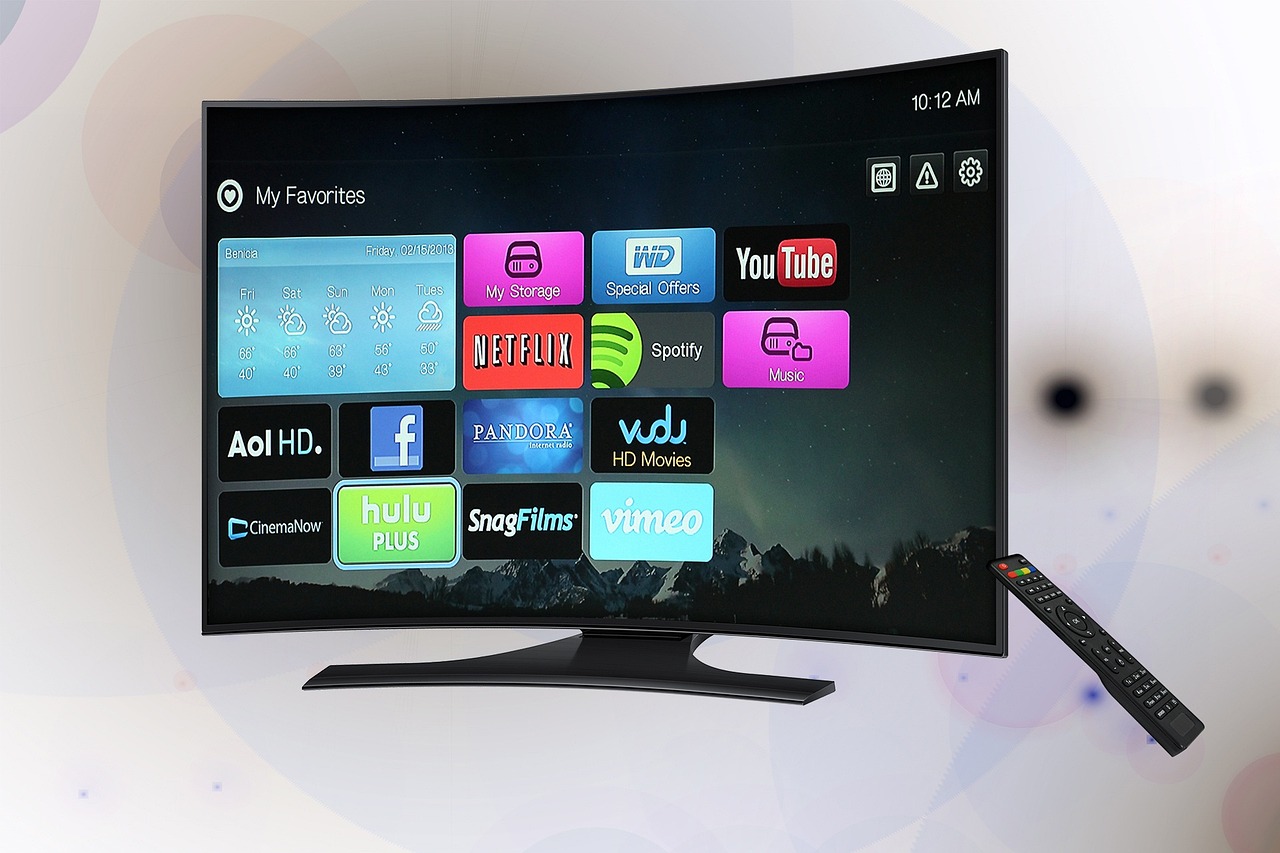
- TiviMate — Best overall: EPG, catch-up, multi-screen
- IPTV Smarters Pro — Easy setup, all formats
- SS IPTV — Built for Samsung & LG, no sideloading
- Smart IPTV — Simple and reliable for older TVs
Common Smart TV IPTV Problems (And How to Fix Them)
SS IPTV says “playlist not found” after registering
MAC registration can take up to 15 minutes to sync. Restart the TV once, and double-check the M3U URL was entered with no extra spaces.
App crashes on older Samsung or LG models
Older Tizen and WebOS versions sometimes can’t run the latest app build. Try Smart IPTV instead — it’s the lightest option and built for older hardware.
Channels buffer constantly on Android TV
Almost always a Wi-Fi issue, not the app. Move the router closer, switch to 5GHz, or connect the TV via Ethernet if it has a port.
Changed TVs and now the subscription won’t load
SS IPTV ties to one MAC address at a time. You’ll need to re-register your subscription’s M3U URL against the new TV’s MAC address.
Tips for Best Performance
- Connect via Ethernet instead of Wi-Fi when possible
- Minimum 25 Mbps for 4K streams
- Clear app cache every few weeks
- Restart router before live sports events
Frequently Asked Questions
Do I need a separate app for Samsung vs. LG TVs?
No single app covers both natively, but SS IPTV works on both Samsung (Tizen) and LG (WebOS) with the same registration process described above.
Can I use IPTV on a smart TV without an Android TV box?
Yes. Samsung and LG TVs run IPTV apps directly through their own app stores — no separate streaming box or Firestick required.
Why does my IPTV subscription only work on one TV at a time?
Most single-connection plans lock to one device (or MAC address for SS IPTV) at a time. Check your plan’s simultaneous-connection limit in our buyer’s guide.
What’s the minimum internet speed for 4K on a smart TV?
25 Mbps or higher dedicated to that one stream. Below that, expect buffering during 4K live sports or new movie releases.
Start Watching on Your Smart TV Today
20,000+ channels in HD, FHD & 4K. Instant activation.